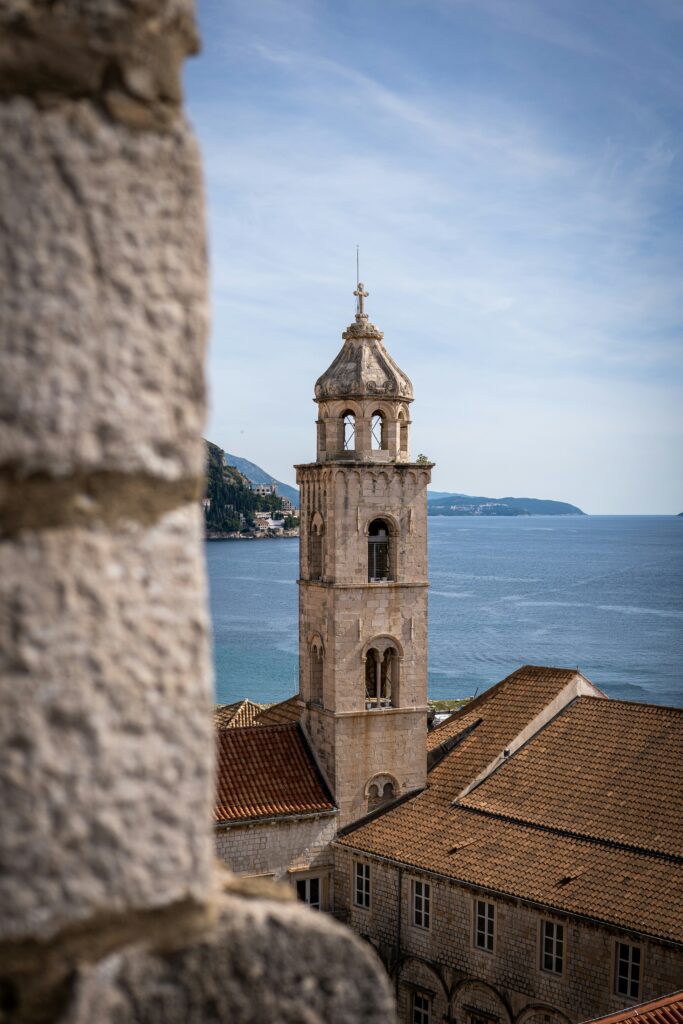
A modern and responsive image viewer for WordPress
Rapid Gallery is an image-viewer module included with RapidUtils. It enhances the standard WordPress Image and Gallery blocks with a responsive, accessible lightbox experience without requiring a separate gallery builder.
Selected images can be opened in a clean fullscreen viewer with gallery navigation, thumbnails, captions, image counters, downloads, animations, and advanced zoom controls. Rapid Gallery is suitable for photographs, portfolios, product images, illustrations, diagrams, and other visual content where visitors may want to inspect images in greater detail.
Smooth navigation on every device
Visitors can browse galleries using previous and next buttons, thumbnails, keyboard controls, or swipe gestures on touch devices. Optional looping allows navigation to continue seamlessly from the last image back to the first.
The viewer also supports fullscreen mode, image downloads, configurable opening animations, and closing by clicking the background. All available controls can be enabled or disabled from the administration interface.
Advanced zoom and image movement
Rapid Gallery provides natural zoom controls for desktop computers, tablets, and mobile devices.
On desktop, mouse-wheel zoom follows the cursor position over the image. On touch devices, pinch zoom follows the midpoint between the user’s fingers, while double-tap zoom focuses on the tapped area. Enlarged images can be moved with the mouse or a single-finger drag, with movement limited to the visible image boundaries.
When a sufficiently large source image is available, double-tap zoom can display it at its original 100% pixel size. A second double tap returns the image to the fitted view.
Image quality options
Administrators can choose which image source Rapid Gallery should display:
- the WordPress Large image size for faster loading;
- the WordPress full-size image;
- the originally uploaded image for the highest available quality.
The original upload is used when WordPress can resolve it safely. Otherwise, Rapid Gallery automatically falls back to the full-size image.
Captions and caption links
Image captions can be displayed below the enlarged image in the viewer. Basic formatting and links added to captions in the WordPress editor are preserved, allowing each image to include additional information, credits, product links, documentation, or related content.
Caption links remain clickable inside the viewer and may open in the same window or a new tab according to their WordPress settings. Their normal and hover colors can be customized from the Rapid Gallery administration page.
For Gallery blocks, captions shown below the thumbnails on the post or page can also be displayed or hidden independently. Hiding these thumbnail captions does not remove their content, so the same captions can still appear in the enlarged gallery view.
Administration and customization
The Rapid Gallery administration page provides centralized control over the appearance and behavior of the viewer. Administrators can configure:
- captions, thumbnails, counters, and navigation controls;
- zoom, fullscreen, downloads, swipe gestures, and looping;
- overlay, control, caption, and caption-link colors;
- maximum image dimensions, spacing, and border radius;
- image source quality and animation behavior;
- background-click closing;
- the default visibility of captions below Gallery block thumbnails.
Individual Image and Gallery blocks can override selected defaults where block-level control is available.
How to use Rapid Gallery
First, enable the Rapid Gallery module from the RapidUtils administration menu and configure its default appearance and controls.
Next, edit a post or page in the WordPress block editor. Select a core Image or Gallery block and enable Open with Rapid Gallery from the block toolbar or settings sidebar. Captions and caption links can be added using the standard WordPress editing tools.
After publishing the page, visitors can click an enabled image to open it in Rapid Gallery. The viewer automatically applies the configured navigation, zoom, caption, thumbnail, fullscreen, and download options.
Lightweight WordPress integration
Rapid Gallery works directly with the standard WordPress Image and Gallery blocks, so existing content does not need to be recreated in a separate gallery system. Its frontend files are loaded only where Rapid Gallery-enabled content is detected, helping avoid unnecessary assets on unrelated pages.
Try the gallery
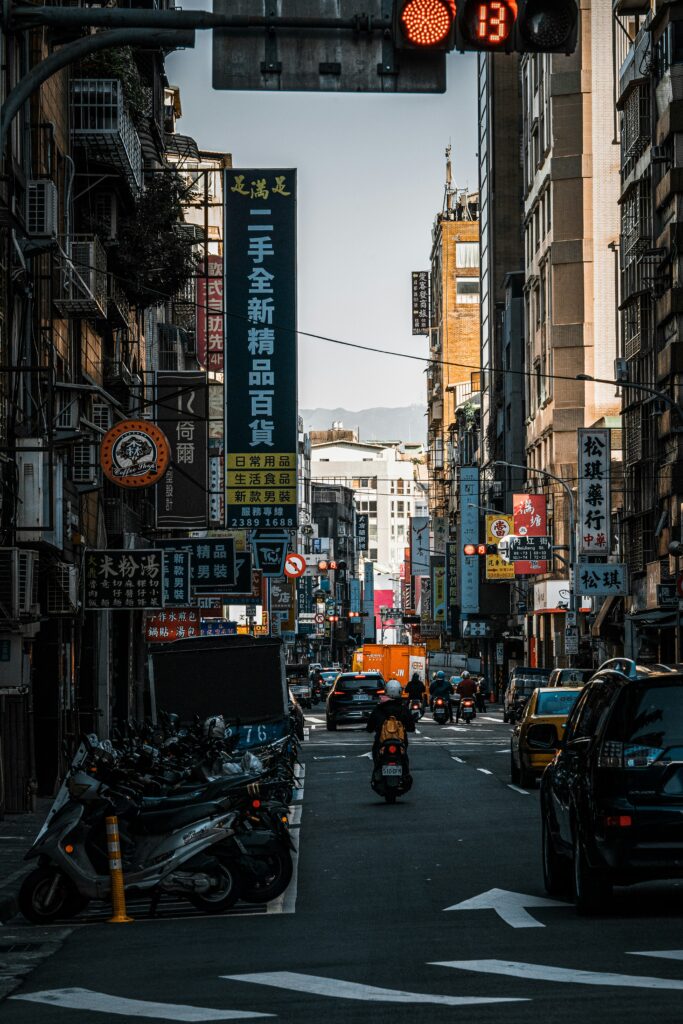
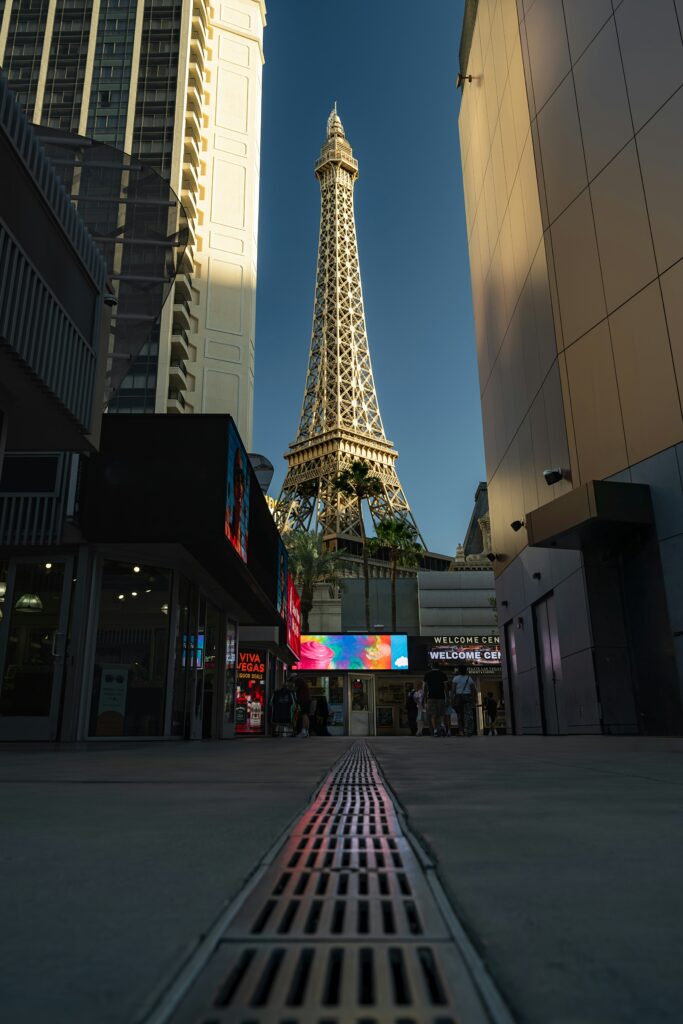
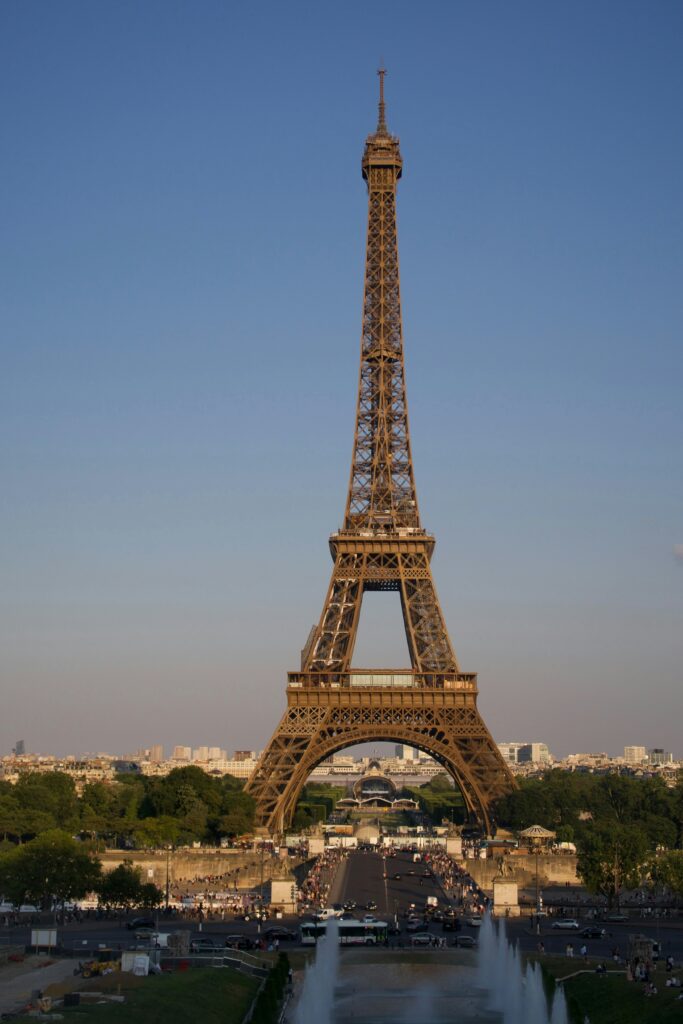
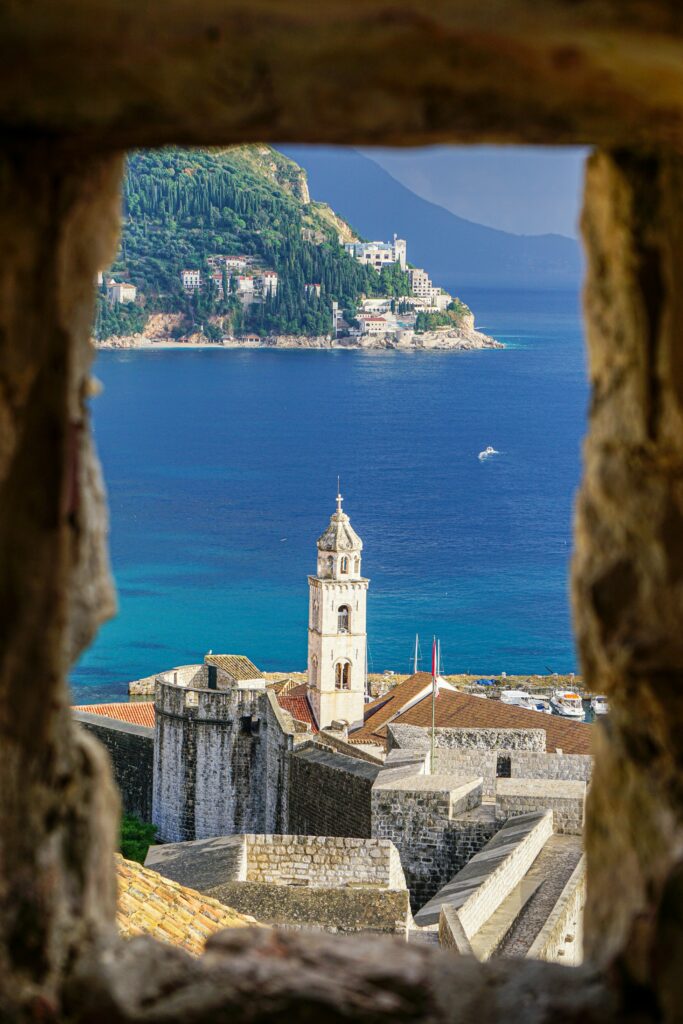
Click any image in the sample gallery below to open Rapid Gallery. Test the navigation buttons, thumbnails, keyboard controls, fullscreen mode, zoom, drag-to-pan behavior, touch gestures, captions, and caption links.